



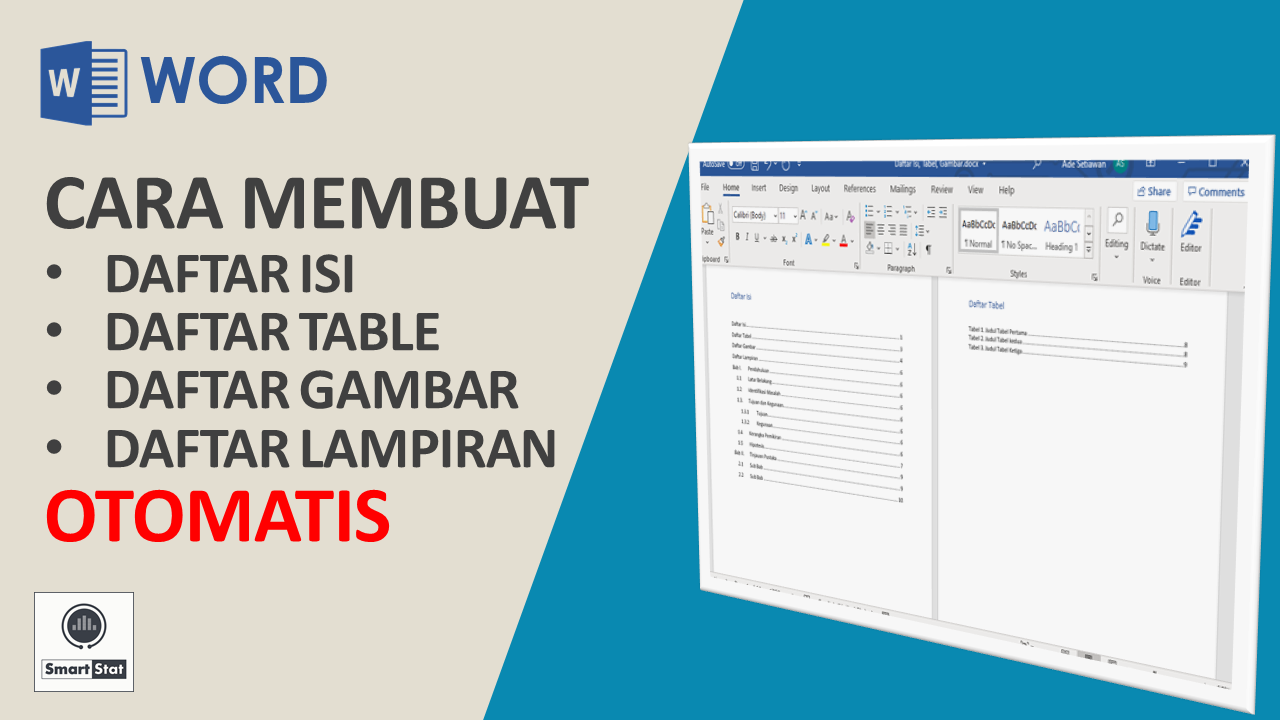
How to automatically create Table of Contents , Table of Tables , Figure List , and Attachment List in Microsoft Word Applications?
Please see the tutorial!
In the next tutorial, we will discuss some options that have not been discussed in this tutorial, including how to change the Style to suit the Scientific Paper format and how to create a Table, Figure, or Appendix from the Style used.
Microsoft Word: Tutorial on How to Automatically Create Tables of Contents, Tables, Pictures, and Attachments You can learn more in the following video.

Microsoft Word: Tutorial How to Automatically Create Tables of Contents, Tables, Pictures, and Attachments
Tutorial
If you are interested in Microsoft Word Tutorial: Tutorial on How to Automatically Create Tables of Contents, Tables, Pictures, and Attachments , please subscribe to the Smartstat Channel: https://youtube.com/user/smartstatistik
If you are interested in Microsoft Word Tutorial: Tutorial on How to Automatically Create Tables of Contents, Tables, Pictures, and Attachments , please subscribe to the Smartstat Channel: https://youtube.com/user/smartstatistik
You can learn a list of other Microsoft Word Tutorials at the following link:

